
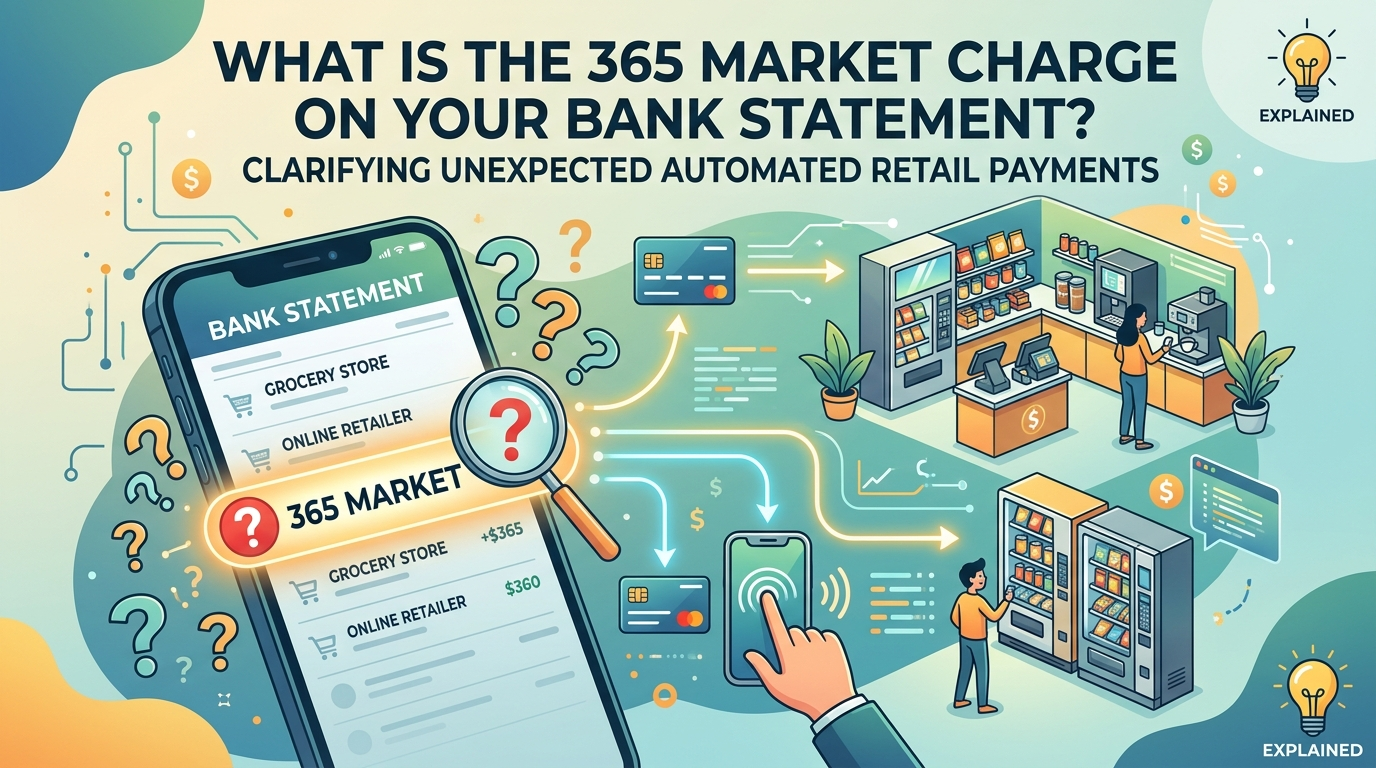

Unexpected bank charges can feel confusing, especially when the name is unclear. One of those entries that lots of people see is 365 Market, which doesn’t display a real store or brand name. This can make users feel something is wrong, or that it hasn’t happened. This charge is typically associated with automatic retailing systems such as vending machines or service in the workplace.
It is not about the payment, but how it is shown on your statement. The original merchant name is either shortened or missing due to the bank or processor using a shortened label. To avoid unnecessary worry, it is important to understand how this transaction works and why it shows up this way. Read further to learn more about the 365 Market charge.
Why You See the 365 Market Charge on Bank Statement
The 365 Market charges on bank statements appear when a small transaction is sent out quickly, via an automated system. These systems are employed in areas where convenience is important, like offices, hospitals, or public buildings. The payment system does not display the exact product or machine, but rather groups transactions under a common label.
That’s the reason why its name is unfamiliar. You may have just purchased a snack, drink, or meal without being aware of how it will look on your bank statement. Such transactions are processed in real time, which means that the billing name is frequently simplified, and users may get confused when checking their statements later on.
What 365 Market Charge Actually Refers To
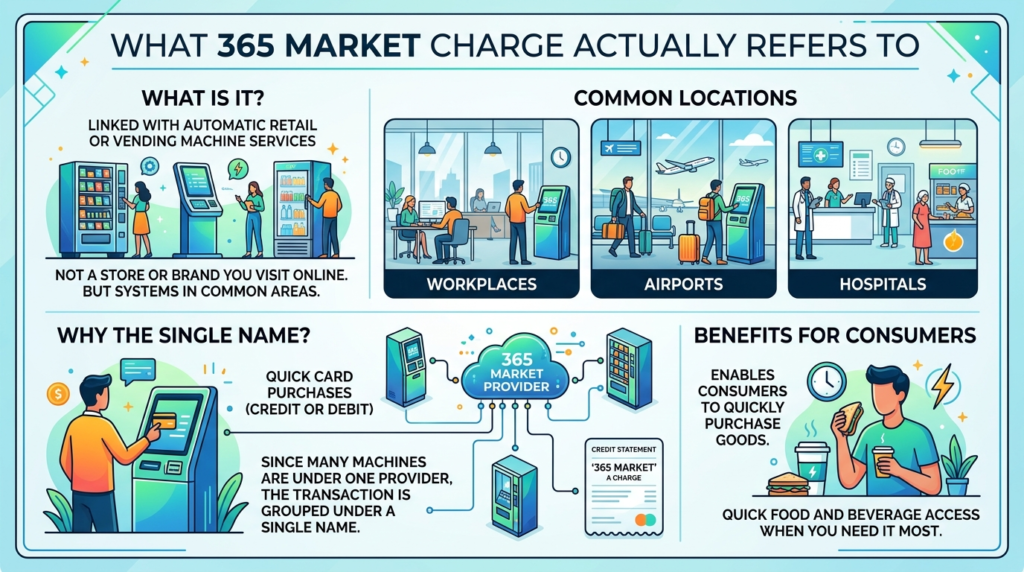
365 Market is typically linked with automatic retail or vending machine services. It’s not a store or brand that you visit online. Rather, it is a series of machines or point-of-sale systems located in common areas. These systems enable consumers to quickly purchase goods with their credit or debit cards.
Since many machines are connected under one provider, the transaction is grouped under a single name. This is because you might not find a particular location or product name, but 365 Market instead. It is often used in the workplace, at airports, and in hospitals where there is a need for quick food and beverage access. 365 Market charges are often related to retail vending systems and may also connect with entries like the Walmart charge on bank statement, which is a common retail merchant transaction.
How 365 Market Transactions Work
When you tap or insert your card into a vending machine or automated kiosk, the payment will pass through a digital processing network. The system receives payments from multiple machines and funnels payments to a central provider. Due to this layout, the bank does not always get detailed information about the merchants.
Rather, it gets a simplified identifier that’s used by the payment processor. This is usually the primary reason that the 365 Market charge on bank statements doesn’t show product or store information. It does not show what is being paid for, but how the payment is being made.
Where 365 Market Charges Commonly Appear
These transactions are usually linked to everyday environments where vending machines or self-service kiosks are installed.
You may encounter them in office buildings where employees buy snacks or drinks during work hours. Hospitals also use such systems for visitors’ and staff convenience. Universities and colleges often have similar setups in cafeterias or common areas.
Travel locations like airports or bus terminals also rely heavily on automated retail systems. In all these places, purchases are small, quick, and processed instantly, which is why they appear under a general label.
Is the 365 Market Charge Safe or Suspicious?
In most situations, this charge is completely safe and linked to a real purchase. If you recently used a vending machine or self-service kiosk, the entry is likely correct.
However, it is still important to verify it. A normal charge will match your spending habits, including time, location, and amount. For example, small values like snack or drink purchases are common.
If you see repeated charges that you do not recognize or amounts that do not match vending prices, then it may need further investigation. While rare, errors or unauthorized use can happen, so checking carefully is always recommended.
How to Identify the Transaction
To understand the charge, start by thinking about your recent physical purchases. Many people forget small vending machine transactions because they are low in value and happen quickly.
Next, check your banking app for more detailed information. Digital statements often include timestamps and merchant categories that are not shown in paper statements.
You should also compare the transaction time with your location at that moment. If you were in an office, hospital, or travel hub, it would become easier to match the purchase.
If you still cannot identify it, contacting your bank is the best option. They can trace the full details behind the 365 Market charge on bank statements and explain the source. In some cases, similar automated service charges such as the CSC ServiceWorks charge on bank statement may also appear due to vending or machine-based payment systems.
What to Do If You Don’t Recognize 365 Market charge on bank statements
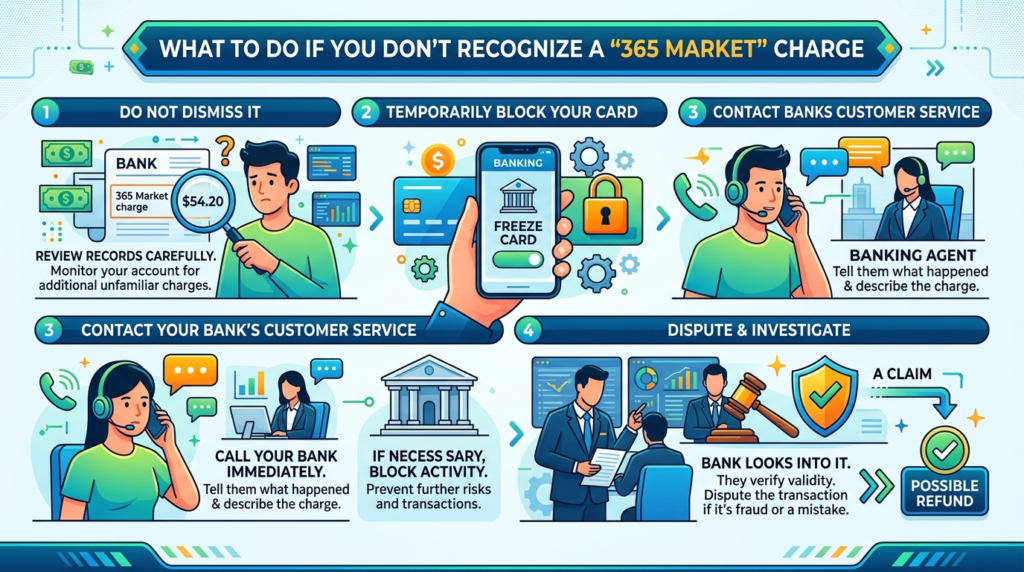
Even if the transaction appears to be unfamiliar after reviewing your records, don’t dismiss it. Start by monitoring your account for any additional charges.
If necessary, temporarily block your card so that no more activity takes place. After that, call the customer service of your bank and tell them what happened.
They can look into and verify the validity of a charge or unauthorized charge. If it is determined to be fraud or a mistake, you can dispute the transaction and may receive a refund based on your bank’s policy. So, it is important to act quickly as it will further prevent risks to your account.
Final Thoughts
Unfamiliar bank entries can be stressful, but most cases have simple explanations. The 365 Market charge is typically associated with retail operations, such as vending machines or automated kiosks, that are operated in public or work settings.
It is usually safe, but it’s always a good idea to double-check any transaction you don’t recognize. Reviewing your spending history and paying attention to the little purchases will keep you from getting confused.
Once you know what they are, it becomes simple to identify these types of payments and handle your finances effectively.
FAQs
1. Why does a 365 Market charge appear on my bank statement?
A 365 Market charge usually appears after purchasing an item from a vending machine, micro market, or self-service kiosk that uses the 365 Market payment system. The charge reflects the payment processor rather than the specific product purchased.
2. Is a 365 Market charge on my debit card legitimate?
In most cases, yes. These charges are commonly associated with snack, beverage, or convenience purchases made at workplaces, hospitals, schools, airports, and other public locations.
3. How can I find out what I purchased through 365 Market?
Review the transaction date, time, and amount in your banking app and compare them with your recent activities. Small purchases made at vending machines or unattended retail kiosks are often the source of the charge.
4. Can a 365 Market charge be fraudulent?
While most 365 Market transactions are legitimate, any charge you cannot match to a purchase should be investigated. Contact your bank if the amount, timing, or frequency seems unusual.
5. What should I do if I don’t recognize a 365 Market transaction?
Start by reviewing your recent purchases and account activity. If the charge remains unfamiliar, contact your bank immediately to verify the transaction and initiate a dispute if necessary.