
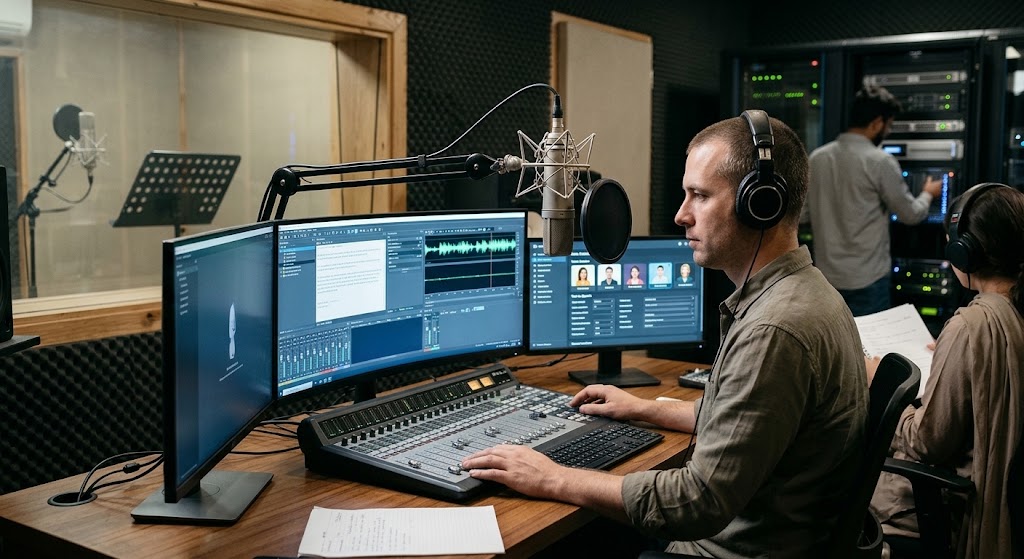

AI Voice Generator Tools Explained.
An AI voice generator is a tool that converts written text into spoken audio using artificial intelligence. These tools can create realistic voices for videos, podcasts, online courses, advertisements, presentations, and other digital content. Some platforms also support different accents, languages, speaking styles, and custom voices.
Traditional voice recording often requires a microphone, a quiet room, recording software, and time for editing. AI voice technology can simplify this process by generating audio directly from a written script.
Whether you are a content creator, student, marketer, business owner, or educator, understanding AI voice tools can help you choose the right solution for your needs.
In this guide, you will learn how an AI voice generator works, which features to compare, the benefits and limitations of text-to-speech AI, and how to create better voiceovers.
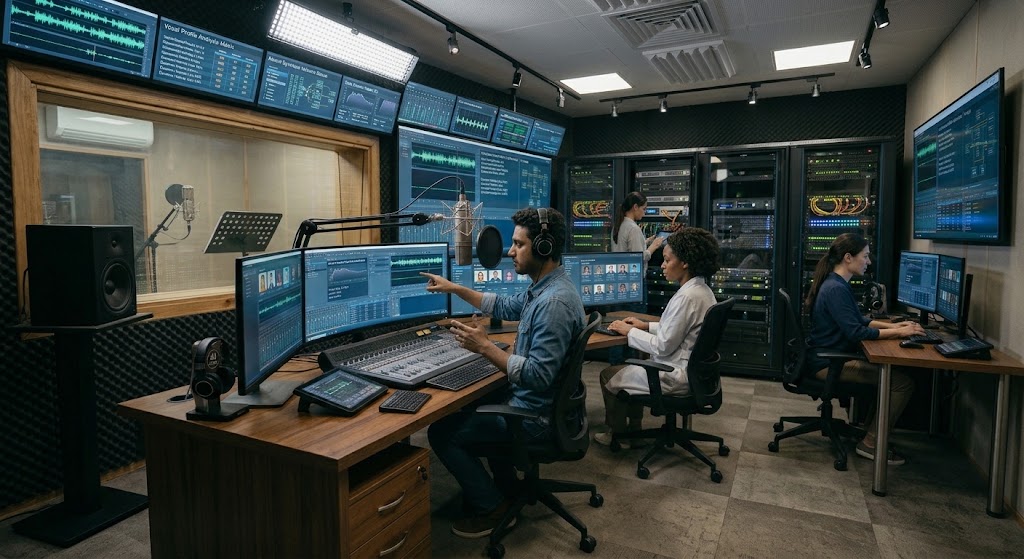
What Is an AI Voice Generator?
An AI voice generator is software that uses artificial intelligence to transform written words into spoken audio. This process is commonly known as text-to-speech, or TTS.
Modern tools use machine learning and speech-generation technology to produce voices that sound more natural than older computerized speech systems.
For example, you can write a short script for a YouTube video, paste it into a voice generator, select a voice, and generate an audio file. Depending on the platform, you may also adjust the speed, pronunciation, tone, and pauses.
How AI Voice Generators Work
Most AI voice tools follow a straightforward process:
- Text input: The user enters a script or uploads supported text.
- Text processing: The software analyzes words, punctuation, and sentence structure.
- Voice generation: The AI produces speech using its trained speech models.
- Audio preview: The user listens to the generated voice.
- Export: The finished audio can be downloaded or used in a supported application.
The exact process depends on the platform. Some tools provide basic narration, while others offer voice cloning, emotional expression, or real-time speech generation.
AI Voice Generator vs. Traditional Voice Recording
Traditional recording captures a person’s actual voice through a microphone. An AI voice generator creates speech using software.
Traditional recording can provide personal expression and a unique human delivery, but it may require repeated takes and audio editing. AI-generated speech can be faster to produce and easier to update when a script changes.
The best choice depends on your project. AI voice generation is useful for scalable narration, while human recording may be preferable when personal authenticity, performance, or a recognizable speaker is essential.
Best AI Voice Tools to Consider
Different AI voice tools serve different purposes. Some focus on realistic narration, while others are designed for video editing, business communication, accessibility, or multilingual content.
The following platforms are worth evaluating based on their features and intended uses. Availability, pricing, language support, and usage limits can change, so check each provider’s current terms before choosing.
1. ElevenLabs
ElevenLabs is known for AI speech generation, realistic narration, and voice-related features.
It can be useful for content creators who want expressive voiceovers for videos, audiobooks, podcasts, or other audio projects.
Key features may include:
- Natural-sounding speech generation.
- Multiple voices and supported languages.
- Voice design and voice cloning options.
- Audio generation for creative projects.
- Developer tools and API access on supported plans.
Best for: Creators who prioritize voice quality and expressive narration.
2. Murf AI
Murf AI is designed for voiceovers used in presentations, marketing content, training materials, and business videos.
Its workflow is suitable for users who want to create narration and coordinate it with visual content.
Key features may include:
- AI-generated voiceovers.
- Voice selection and speech adjustments.
- Tools for presentation and video narration.
- Collaboration features on supported plans.
- Business-oriented production workflows.
Best for: Businesses, educators, and marketing teams.
3. Speechify
Speechify focuses on text-to-speech experiences that can help users listen to written material.
It may be useful for people who want to listen to documents, articles, study material, and other supported text rather than read everything on a screen.
Key features may include:
- Text-to-speech functionality.
- Listening options for supported content.
- Voice and speed controls.
- Accessibility-focused workflows.
- Features that vary by product and subscription.
Best for: Students, readers, and people who prefer listening to written content.
4. PlayHT
PlayHT has offered AI speech generation for content creation and developer-focused applications.
Depending on the available product and plan, users may be able to generate narration, explore different voices, and integrate speech generation into applications.
Key features may include:
- AI voice generation.
- Voice and language options.
- Audio production workflows.
- Developer integrations on supported plans.
- Tools for creating spoken content.
Best for: Developers and creators who need AI-generated audio.
5. Google Cloud Text-to-Speech
Google Cloud Text-to-Speech is a cloud service that converts text into speech. It is particularly relevant for developers building applications that need spoken responses or automated narration.
Key features may include:
- Programmatic speech generation.
- Multiple supported voices and languages.
- Integration with cloud-based applications.
- Configuration options for supported voice models.
- Usage-based pricing, subject to current service terms.
Best for: Developers and businesses integrating speech into software.
6. Microsoft Azure AI Speech
Microsoft Azure AI Speech offers speech capabilities for applications, including text-to-speech generation.
It can be useful for businesses developing customer-service systems, accessibility features, voice-enabled applications, and other solutions that require generated speech.
Key features may include:
- Text-to-speech services.
- Language and voice options.
- Developer APIs and software integrations.
- Custom voice capabilities subject to eligibility and requirements.
- Enterprise-oriented infrastructure.
Best for: Businesses and developers building speech-enabled applications.
Comparison Table: Popular AI Voice Generator Tools
| Tool | Main Purpose | Suitable Users | Important Consideration |
|---|---|---|---|
| ElevenLabs | Realistic speech and narration | Content creators | Review voice and commercial-use terms |
| Murf AI | Business and presentation voiceovers | Businesses and educators | Check editing features and plan limits |
| Speechify | Listening to written content | Students and readers | Compare reading and voice features |
| PlayHT | Speech generation and integrations | Developers and creators | Confirm current product availability |
| Google Cloud Text-to-Speech | Application-based speech generation | Developers and businesses | Technical setup may be required |
| Microsoft Azure AI Speech | Speech-enabled applications | Businesses and developers | Review service requirements and pricing |
There is no single best tool for everyone. A video creator may prioritize natural narration, while a developer may care more about API access, scalability, and integration.
What Is Text-to-Speech AI?
Text-to-speech AI is technology that converts written language into spoken audio. It is the main technology behind many AI voice generators.
Traditional text-to-speech systems often sounded mechanical because their speech patterns were limited. Modern systems can produce more natural pacing, pronunciation, and intonation, although quality still varies between voices and languages.
Common Uses of Text-to-Speech AI
Video narration: Creators can generate voiceovers for tutorials, explainers, product demonstrations, and educational videos.
Audiobooks: Authors and publishers may use generated speech for certain narration projects, subject to quality requirements and applicable rights.
Accessibility: Text-to-speech can help people listen to digital content instead of reading it visually.
Online learning: Teachers can create audio lessons, language-learning material, and supplementary educational resources.
Business communication: Companies can use generated voices in training videos, product instructions, and selected automated communication systems.
Multilingual content: Some platforms support several languages, helping creators produce audio for different audiences. Quality and pronunciation should be checked separately for each language.
Key Features to Look for in AI Voice Tools
Before selecting an AI voice generator, consider how you plan to use the audio.
1. Natural Voice Quality
The voice should sound clear and appropriate for your content. Listen for awkward pauses, incorrect emphasis, unusual pronunciation, and robotic delivery.
A realistic voice is especially important for advertisements, audiobooks, and professional videos.
2. Language and Accent Support
Choose a tool that supports the language and accent your audience understands.
Do not assume that a platform offering many languages will provide equally natural results in every language. Test a representative sample before committing to a paid plan.
3. Voice Customization
Some tools let users adjust speed, pitch, pronunciation, pauses, or expressive delivery.
These features can improve narration, particularly when the script contains names, technical terms, abbreviations, or numbers.
4. Audio Export Options
Check whether the platform supports the file format and quality you need. Common audio formats include MP3 and WAV, although availability varies by tool and plan.
Consider whether the audio will be used in a video editor, podcast application, presentation, or another workflow.
5. Pricing and Usage Limits
Free plans may include limited generation, restricted downloads, fewer voices, or other conditions. Paid plans may provide more usage or advanced features.
Compare the actual amount of audio you can generate rather than choosing a plan based only on its advertised monthly price.
6. Commercial Usage Rights
If you plan to monetize videos, create client projects, or use generated audio in advertising, read the provider’s licensing terms carefully.
A subscription does not automatically give you permission to imitate another person’s voice, use copyrighted material, or create deceptive content.
Benefits of Using an AI Voice Generator
AI voice technology can make audio production more accessible and efficient.
Faster Content Production
An AI voice generator can create a draft voiceover without requiring a full recording session. This is useful when producing many short videos, tutorials, or training materials.
Easier Script Updates
When information changes, you can edit the script and generate new audio. This can be more convenient than arranging another recording session.
Consistent Narration
Using the same approved voice can help maintain a consistent sound across a series of videos, lessons, or product explanations.
Support for Different Content Formats
The same basic workflow can support presentations, explainers, educational audio, and other projects, depending on the platform’s licensing and capabilities.
Accessibility and Convenience
Text-to-speech makes it possible to listen to supported written material. This can benefit people who prefer audio learning or need an alternative to reading on a screen.
Limitations of AI Voice Tools
Although AI voice generation has improved, it is not perfect.
Pronunciation Errors
AI may mispronounce uncommon names, technical words, abbreviations, and words with multiple meanings. Always review the generated audio.
Emotional Expression
Some voices may struggle to convey subtle emotion, humor, urgency, or the personal connection that a skilled human speaker can provide.
Language Differences
Voice quality can vary across languages and accents. A voice that sounds excellent in one language may be less natural in another.
Cost at Higher Usage Levels
Generating large amounts of audio or accessing advanced features may require a paid subscription or usage-based payment.
Privacy and Consent
Some services process uploaded scripts or voice recordings on their servers. Read the privacy policy before uploading confidential business material or personal recordings.
Voice cloning should only be used with appropriate permission. Avoid generating audio that impersonates someone or misleads listeners about who is speaking.
How to Create a Voiceover with an AI Voice Generator
You do not need advanced audio-production skills to begin. Follow these steps to create a basic voiceover.
Step 1: Write a Clear Script
Start with a script designed to be spoken aloud. Use short sentences and familiar language where possible.
Written content often needs editing before it sounds natural when spoken. Remove unnecessary phrases and make transitions between ideas clear.
Step 2: Choose an Appropriate Tool
Select a platform based on your intended use, language, voice quality, budget, and export requirements.
For example, a creator producing video narration may need a different workflow from a developer building an automated assistant.
Step 3: Select a Voice
Listen to available samples and choose a voice that suits the audience and subject.
A conversational voice may work well for tutorials, while a more formal voice may suit corporate training.
Step 4: Generate and Review the Audio
Paste your script into the tool and generate the audio. Listen to the complete result instead of assuming that the first version is correct.
Check pronunciation, pacing, pauses, and any technical terms.
Step 5: Edit the Script if Necessary
If the voice sounds unnatural, try changing sentence structure, punctuation, or spelling guidance supported by the platform.
Regenerate only the sections that need improvement when the tool allows it.
Step 6: Export and Use the Audio
Download the supported audio format and add it to your video, presentation, course, or other project.
Before publishing, verify that your intended use follows the platform’s license and any relevant third-party rights.
Tips for Getting Better Results from AI Voice Tools
Small improvements to your script can make a noticeable difference.
- Use short sentences: Long sentences may sound rushed or difficult to follow.
- Add punctuation carefully: Commas and periods can help guide pauses.
- Check unusual words: Review names, acronyms, dates, and technical vocabulary.
- Match the voice to the audience: Use a tone suitable for the topic and format.
- Listen before publishing: Check the entire recording for errors.
- Avoid unnecessary effects: Excessive background music or sound effects can make speech harder to understand.
- Respect voice rights: Use voice cloning and similar features only with proper authorization.
- Keep a copy of the script: This makes future corrections and updates easier.
Frequently Asked Questions
What is the best AI voice generator?
The best option depends on your needs. ElevenLabs may suit creators prioritizing expressive narration, Murf AI may fit business voiceover workflows, and Google Cloud Text-to-Speech or Microsoft Azure AI Speech may be suitable for developers. Compare current features, quality, pricing, and licensing before deciding.
Are AI voice generators free?
Some AI voice tools offer free plans or limited trials. These may restrict the amount of audio you can generate, the voices available, or commercial usage. Check the current terms before using a free plan for a business project.
What is the difference between an AI voice generator and text-to-speech AI?
Text-to-speech AI is the technology that converts text into spoken audio. An AI voice generator is a tool or service that uses this technology to create speech, often with additional features such as voice selection and customization.
Can I use an AI voice generator for YouTube videos?
Yes, many creators use AI-generated narration for YouTube videos. However, you should check the tool’s commercial-use terms and ensure that your video complies with YouTube’s current monetization, copyright, and disclosure policies where applicable.
Can AI voice tools create voices in different languages?
Many tools support multiple languages and accents. However, voice quality and pronunciation can vary. Test the specific language and accent you need before generating a large amount of audio.
Is AI-generated speech better than a human voice?
Neither is always better. AI-generated speech can be efficient, consistent, and easy to update. Human narration may provide stronger personal expression, nuanced emotion, and an individual performance. The right choice depends on the project.
Can AI voice tools clone a real person’s voice?
Some platforms offer voice-cloning features, subject to their rules and eligibility requirements. You should obtain appropriate consent and authorization before cloning or reproducing a real person’s voice.
Are AI voice generators useful for businesses?
Yes. Businesses can use them for training materials, product demonstrations, internal presentations, educational content, and selected automated services. The suitability of a tool depends on quality, licensing, privacy, and integration needs.
Conclusion
An AI voice generator can simplify audio production by converting written scripts into spoken content. These tools are useful for video narration, education, accessibility, marketing, podcasts, and business communication.
The right choice depends on your priorities. Compare voice quality, supported languages, customization, export formats, pricing, privacy, and commercial usage rights before selecting a platform.
Start with a short script, test a few voices, and listen carefully to the results. With a clear script and the right tool, AI voice technology can help you produce useful audio more efficiently while maintaining quality and responsible usage.