
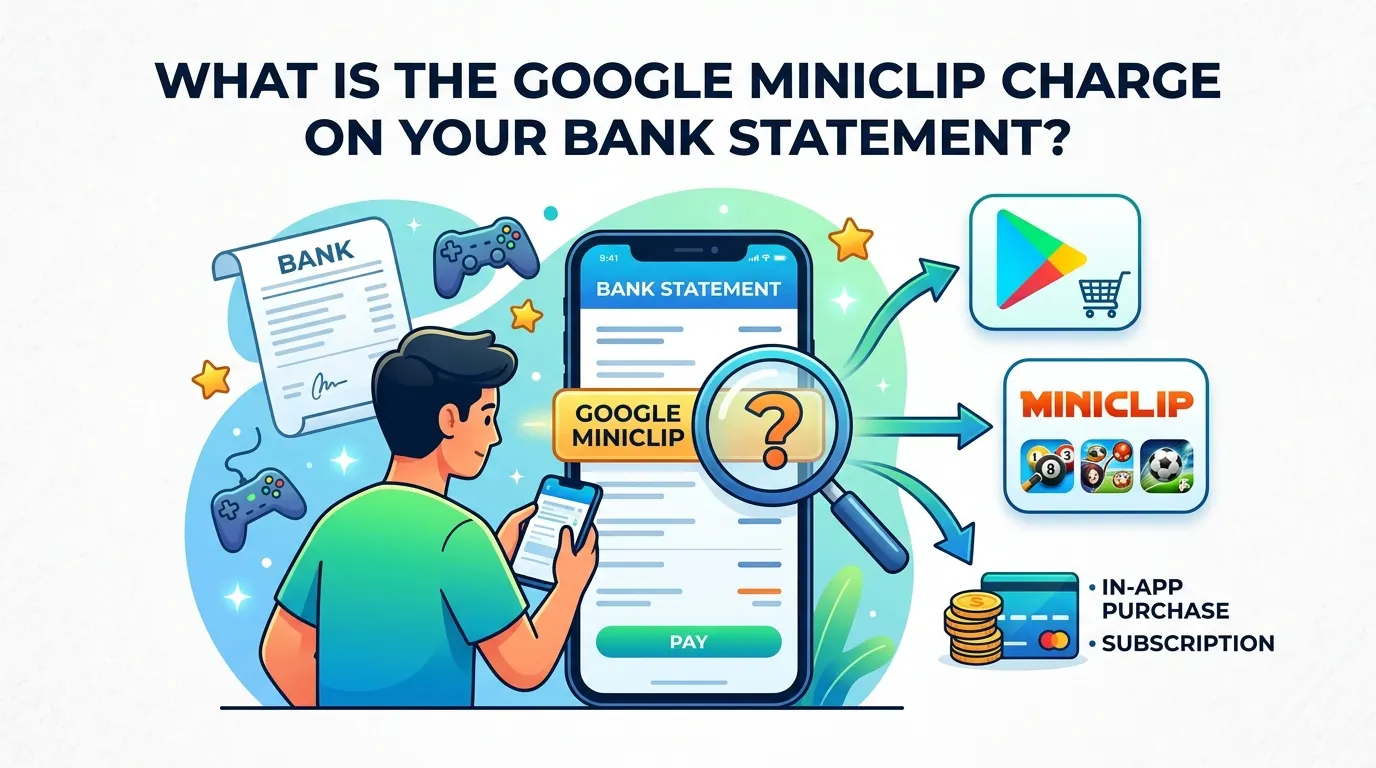

Noticed a Google Miniclip Charge on your bank statement, but you are not sure what it is? When you see a transaction that you don’t remember, it can be worrying, particularly if it’s from an unfamiliar company. This charge is typically linked to a game, in-app purchase, subscription, or digital content purchased from Google Play from a game created by Miniclip.
Knowing the origin of the charge helps you know whether it’s a real charge or not, or if there’s something more to do. In this article, you will find all the information about Google Miniclip charge on bank statement, why it appears, and what you should do if you don’t recognize the charge.
What Is Google Miniclip?
Google Miniclip typically means transactions made via Google Play on games created by the renowned mobile game developer Miniclip. Miniclip is a company renowned for producing fun games that millions of people enjoy all over the world.
The most popular games of Miniclip are:
· 8 Ball Pool
· Soccer Stars
· Mini Football
· Basketball Stars
· Carrom Pool
These games are free to download, but have optional in-app purchases. Players have the option to purchase coins, tokens, premium features, special items, or subscriptions to enrich their gaming experience.
The payment can be confirmed as a Google Miniclip payment in a bank statement transaction when the payment is made via Google Play.
Why Does a Google Miniclip Charge on Bank Statement Appear?
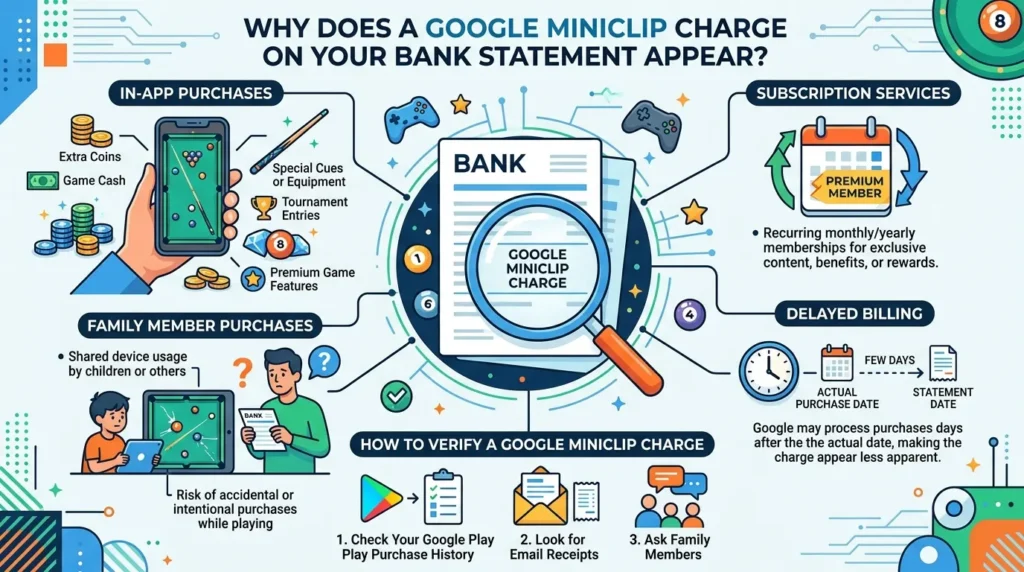
You can see a Google Miniclip charge on your account for a number of reasons.
In-App Purchases
The most frequent one is that the payment they have made is known as an in-app purchase. There are a several games in Miniclip that require players to pay for virtual money, upgrades, or other game items.
A player can buy, for instance:
· Extra coins
· Game cash
· Special cues or equipment
· Tournament entries
· Premium game features
The transactions of these purchases will be charged to Google Play and might appear as a Google Miniclip charge on bank statement transactions.
Subscription Services
There are some games that offer recurring subscriptions that have other benefits, rewards, or exclusive content. If you are a Premium Member, your membership might renew from month to month and/or year to year unless cancelled.
Family Member Purchases
Another popular reason is that a family member used your method of payment. If a shared device is used by a child or other family members, there is a risk of them making purchases by accident or on purpose while playing Miniclip games.
If you are thinking of suspecting fraud, look for any signs that a person in your family used your Google account or payment method.
Delayed Billing
Google sometimes makes several purchases and/or processes them after the actual purchase date. This means that the charge might not reach your statement until a couple of days after the purchase, making it less apparent.
Sometimes unfamiliar transaction codes can confuse users, so learning what does TST mean on bank statement can help you better understand how third-party app and gaming payments are labeled.
How to Verify a Google Miniclip Charge on Bank Statement?
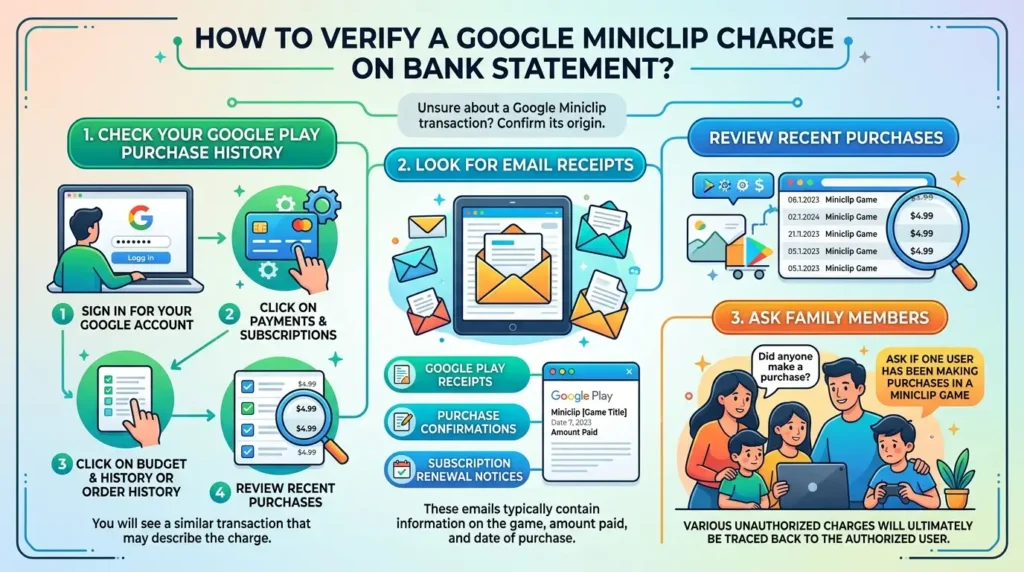
If you’ve spotted a Google Miniclip transaction that you are not sure of the origin, there are multiple means of confirming.
Check Your Google Play Purchase History
Go to Google Play and:
1. Sign up for your Google account.
2. Click on Payments & Subscriptions.
3. Click on Budget & History or Order History.
4. Review recent purchases.
You will see a similar transaction that may describe the charge.
Look for Email Receipts
Google usually emails receipts after purchases are made.
Look in your email inbox for:
· Google Play receipts
· Purchase confirmations
· Subscription renewal notices
These emails will typically contain information on the game, amount paid, and date of purchase.
Ask Family Members
When multiple users are using the same account or device, ask if one user has been making purchases in a Miniclip game. Various unauthorized charges will ultimately be traced back to the authorized user.
Is a Google Miniclip Charge Legitimate?
In most cases, yes.
A Google Miniclip charge on bank statement record is considered a valid purchase of a Miniclip game through Google Play in many cases.
If a charge is legitimate, it may contain:
· Matching purchase dates
· Google Play receipts
· Purchase history records
· Family-authorized purchases
If no proof of the transaction can be found, though, it may be necessary to do more investigating. If you notice an unfamiliar transaction and cannot trace its source, checking ScoresMatter charge on bank statement can help you understand how similar third-party digital or subscription-based charges appear and whether they are legitimate or not.
What If You Do Not Recognize the Charge?
If you aren’t familiar with the transaction after reviewing your account, follow the steps below.
View All Linked Google Accounts
It is common for people to have several Google accounts. You might have checked a different account, which is the one that might have purchased it. Check all Google Accounts linked to your devices.
Check Shared Devices
If you’re using a shared tablet, smartphone, or family device to pay, it could be someone else who has finished the payment. Check device activity and users’ access.
Contact Google Support
Google offers billing questions and purchase verification support. They have a support team that can identify:
· Purchase details
· Account information
· Subscription status
· Transaction history
Contact Your Bank
If you think you have been a victim of unauthorized use, contact your bank or card issuer right away. They may:
· Investigate the charge.
· Block future transactions.
· Give out a new card.
· Participate in dispute processes.
Taking swift action can help minimize the chances of further unauthorized charges.
How to Prevent Unexpected Google Miniclip Charges?
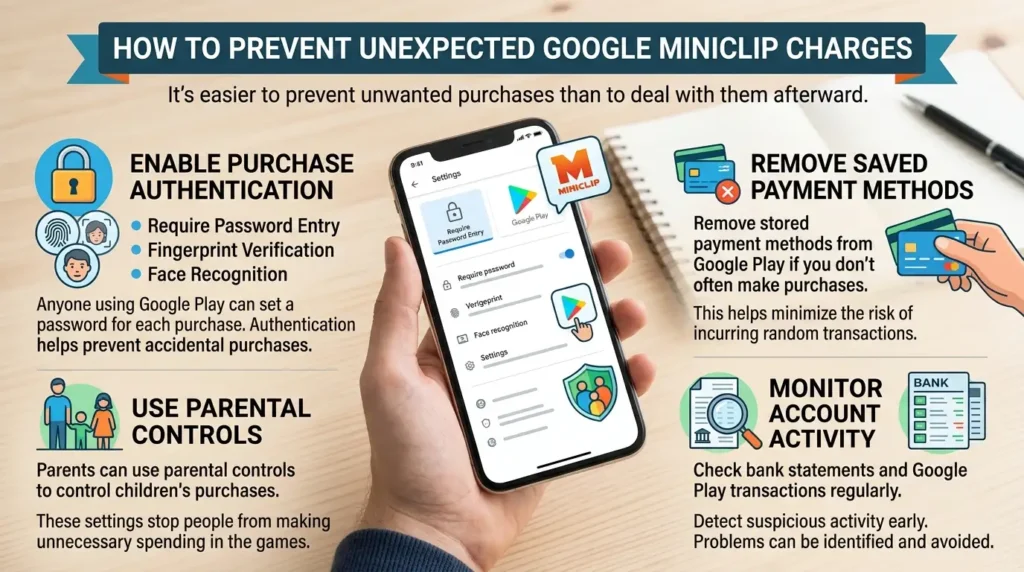
It’s easier to prevent unwanted purchases than to deal with them afterward.
Enable Purchase Authentication
Anyone using Google Play can also set a password for each of their own purchases. This security feature can require:
· Password entry
· Fingerprint verification
· Face recognition
Authentication helps prevent accidental purchases.
Remove Saved Payment Methods
You can remove stored payment methods from Google Play if you don’t often make purchases. This helps to minimize the risk of incurring random transactions.
Use Parental Controls
Parents can use parental controls to control children’s purchases. These settings stop people from making unnecessary spending in the games.
Monitor Account Activity
By checking the bank statements and Google Play transactions regularly, suspicious activity can be detected in no time. If a problem is identified at an early stage, it can be avoided in the future.
Can You Request a Refund?
Yes, refunds might be available in most cases.
Google can issue refunds for specific purchases, particularly if:
· The purchase was accidental
· The transaction was unauthorized
· The request is submitted within Google’s refund eligibility period
Google’s policies and the specifics of the purchase determine whether a refund is authorized. Review your purchase details and contact Google support promptly if you believe you are eligible for a refund.
Conclusion
A Google Miniclip charge on bank statements usually results from purchases made within Miniclip games through Google Play. These charges relate to in-app purchases, subscriptions, virtual currency, or premium game features. While most Google Miniclip transactions are legitimate, review your purchase history, email receipts, and shared account activity if you do not recognize the charge.
If you cannot identify the transaction, contact Google support and your bank for help. Enable purchase authentication, monitor account activity, and use parental controls to reduce unexpected Google Miniclip charges on your statement in the future.
FAQs
1. Why does the charge say Google instead of Miniclip?
Because Google Play is usually used for transaction processing. Although the content was taken from a Miniclip game, the statement might still refer to Google.
2. Can free games generate charges?
Yes. Many free games feature optional in-app purchases that cost money.
3. Are Google Miniclip charges recurring?
While some might be recurring subscriptions, others might be one-time purchases.
4. Should I dispute every unfamiliar charge?
No. Before submitting a claim, confirm the transaction using Google Play purchase history, receipts, and family members.