
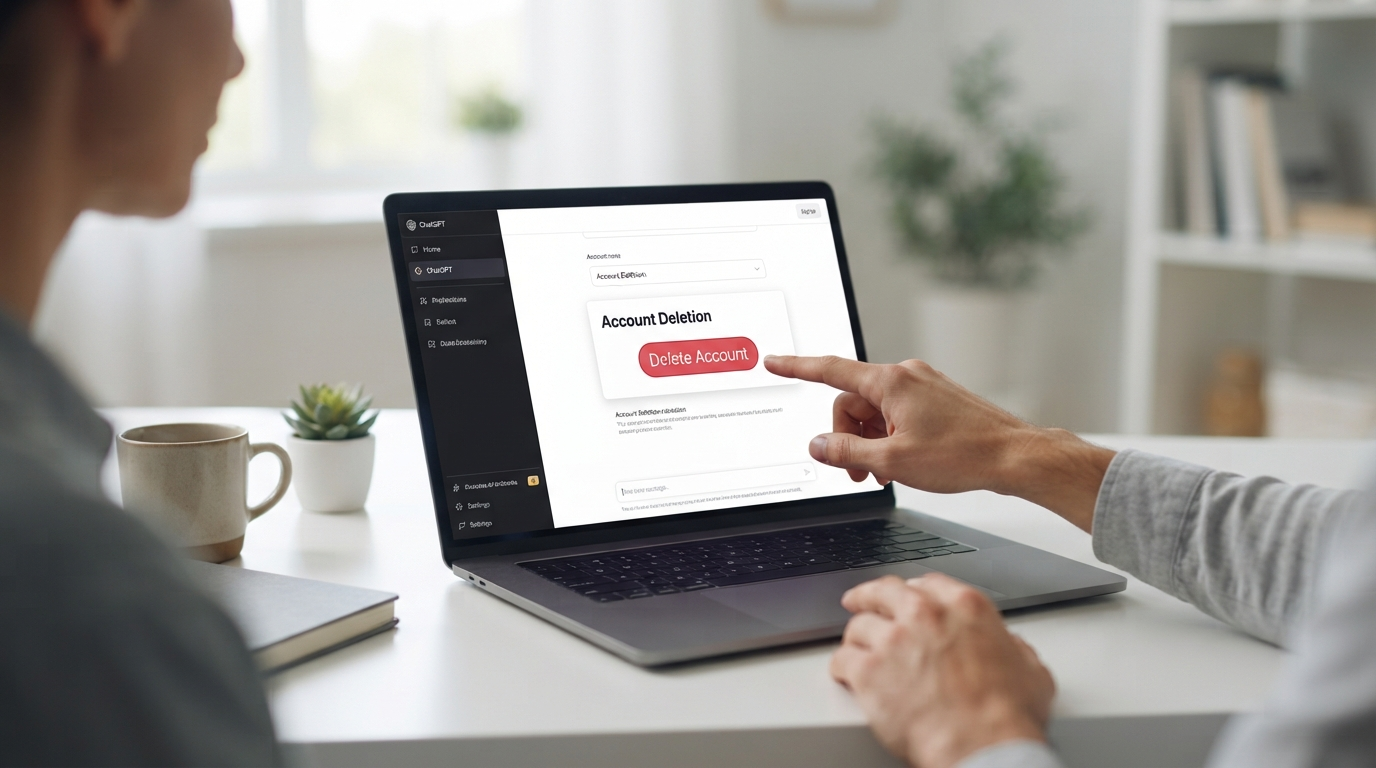

If you no longer want to use ChatGPT, you may want to delete ChatGPT account permanently instead of simply signing out or deleting individual conversations. Account deletion is permanent, so it is important to understand what happens to your chats, files, subscriptions, and other account information before you proceed.
OpenAI currently allows users to delete a ChatGPT account directly through ChatGPT settings. If you cannot sign in, you can also submit a verified deletion request through the OpenAI Privacy Portal.
This guide explains how to delete ChatGPT account, what happens to your data, and what you should check before completing the process.
What Happens When You Delete Your ChatGPT Account?
Deleting your account is different from simply deleting a conversation.
According to OpenAI, account deletion prevents you from using that account to access OpenAI services, including ChatGPT and the API. OpenAI says account data is deleted within 30 days, except for a limited amount of information that may need to be retained longer when required or permitted by law.

Here is a quick overview:
| Action | What Happens |
|---|---|
| Delete your account | Account deletion is permanent |
| Delete a chat | Chat is removed from your account immediately |
| Delete all chats | Your saved conversations are deleted |
| Archive a chat | Chat remains in your account |
| Cancel subscription | Stops future subscription charges but does not delete your account |
| Delete account | Directly billed ChatGPT subscriptions are canceled |
Deleted chats are generally scheduled for permanent deletion from OpenAI systems within 30 days, subject to certain legal, security, or de-identification exceptions.
How to Delete ChatGPT Account on the Web
If you use ChatGPT from a desktop or web browser, the process is straightforward.
Step 1: Sign In to ChatGPT
Open ChatGPT and sign in to the account you want to remove.
Step 2: Open Settings
Open your account menu and select Settings.
Step 3: Go to Account
Inside Settings, select Account.
Step 4: Find Delete Account
Look for the Delete account option and select Delete.
Step 5: Confirm Your Account
You may be asked to enter your account email address or phone number and type DELETE to confirm the request.
Step 6: Permanently Delete the Account
Select Permanently delete my account to complete the process. OpenAI states that this deletion cannot be reversed.
How to Delete ChatGPT Account on Mobile
ChatGPT accounts can also be deleted through the mobile apps. OpenAI provides separate instructions for both iOS and Android.
The exact appearance of the menus can vary depending on the app version, but the account-deletion option is available through the ChatGPT account settings.
If you do not see the required option, check that you are signed into the correct account and that the app is updated.
How to Delete ChatGPT Account Without Signing In
What if you cannot access your ChatGPT account?
OpenAI provides another option through its Privacy Portal. You can submit a verified deletion request if you cannot sign in.
The general process is:
- Open the OpenAI Privacy Portal.
- Select Make a Privacy Request.
- Choose I have a consumer ChatGPT account.
- Select Delete my ChatGPT account.
- Complete the required verification steps.
You need to be able to verify the email address or phone number associated with your account.
What Happens to Your ChatGPT Chats?
One of the most important things to understand before you delete ChatGPT account is what happens to your conversations.
When you delete your account, the chats associated with it are removed from your account and scheduled for permanent deletion within 30 days, subject to OpenAI’s stated exceptions. Deleted chats cannot be recovered through ChatGPT or OpenAI Support.
If you only want to remove particular conversations, you do not need to delete your entire account.
You can instead:
- Delete individual chats.
- Delete all chats.
- Archive chats that you want to keep but remove from the main sidebar.
Archiving is not the same as deleting. Archived conversations remain subject to the same retention rules as saved chats.
How to Remove ChatGPT Data Without Deleting Your Account
You may not need to delete your entire account if your main goal is to remove ChatGPT data.
Depending on what you want to remove, different options are available.
Delete Individual Chats
Open your ChatGPT chat history, select the options menu next to a conversation, choose Delete, and confirm.
The conversation is removed from your account view immediately and is scheduled for permanent deletion within 30 days, subject to applicable exceptions.
Delete All Chats
If you want to clear your conversation history but continue using ChatGPT, you can use the option to delete all chats in Settings.
This is different from deleting your entire account because your ChatGPT account remains available.
Manage Saved Files Separately
Deleting a chat does not necessarily remove files that have been saved separately in your Library. OpenAI explains that chats and Library files are managed separately.
Therefore, if you want to remove ChatGPT data, check both your conversations and saved files.
What About ChatGPT Memory?
Memory is managed separately from ordinary chat history.
If your account has Memory controls, you can review the available options under Settings → Personalization. OpenAI notes that available memory controls can depend on your account and version of the feature.
If your goal is simply to remove information remembered by ChatGPT, check the available Memory controls before deciding to delete your entire account.
What Happens to Your ChatGPT Subscription?
Account deletion and subscription cancellation are related, but there is an important distinction.
OpenAI states that deleting an account cancels subscriptions billed directly by ChatGPT. However, if you subscribed through the Apple App Store or Google Play, you should cancel the mobile subscription separately before deleting your account.
Before Deleting Your Account
Check:
- Whether you have an active ChatGPT subscription.
- Where the subscription is billed.
- Whether you have important conversations to keep.
- Whether you have files saved in your Library.
- Whether you need to export any information before deletion.
This can help prevent unwanted loss of information.
Can You Recover a Deleted ChatGPT Account?
No. OpenAI states that deleted accounts cannot be reactivated.
If you later decide to return, you can create a new account after the applicable waiting period. OpenAI currently states that the same email address can be used again after 30 days if the previous account was fully deleted.
A new account does not restore the chats, files, or saved memories from the deleted account.
Delete ChatGPT Account vs Delete Chat History
These two options are easy to confuse.
| Option | Account Remains? | Chats Removed? | Can You Keep Using ChatGPT? |
|---|---|---|---|
| Delete one chat | Yes | Selected chat | Yes |
| Delete all chats | Yes | Saved chats | Yes |
| Archive chats | Yes | No | Yes |
| Delete account | No | Yes, subject to retention process | No |
If your goal is only to clean up your history, deleting your account may be unnecessary.
Things to Check Before Deleting Your Account
Save Important Information
If you have important conversations, notes, or project information, save anything you may need before deleting your account.
Check Your Files
Review files that may have been saved separately from your chats. OpenAI says Library files can have separate retention from conversations.
Check Your Subscription
If your subscription is billed through Apple or Google, cancel it through the relevant store before deleting your account.
Think About Your Sign-In Method
Deleting an account is permanent. If your goal is only to change your email address or sign-in method, OpenAI provides other account-management options that may allow you to make those changes without deleting the account.
Frequently Asked Questions
Can I permanently delete my ChatGPT account?
Yes. You can delete your account through Settings → Account → Delete account. OpenAI states that account deletion is permanent.
How long does it take to remove ChatGPT data?
OpenAI says account data is deleted within 30 days, except for limited data that may be retained longer where required or permitted by law.
Can I delete my ChatGPT chats without deleting my account?
Yes. You can delete individual chats or clear your chat history while keeping your ChatGPT account.
Can I get my deleted ChatGPT account back?
No. OpenAI says deleted accounts cannot be reactivated. You can create a new account after the applicable waiting period.
Does deleting my account cancel my ChatGPT subscription?
Subscriptions billed directly by ChatGPT are canceled when you delete your account. Subscriptions through Apple App Store or Google Play should be canceled separately.
Can I use the same email address after deleting my account?
OpenAI currently says you can create a new account with the same email address after 30 days, provided the previous account was fully deleted rather than deactivated.
Conclusion
Learning how to delete ChatGPT account is important if you have decided that you no longer want to use the service. On the web, you can go to Settings → Account → Delete account, confirm your details, type DELETE when requested, and select the permanent deletion option.
Before proceeding, review your chats, saved files, Memory settings, and subscriptions. If you only want to remove ChatGPT data, you may be able to delete individual conversations or other stored information without permanently deleting your entire account.
Because account deletion cannot be reversed, taking a few minutes to review your account first can help you avoid losing information you may still need.