
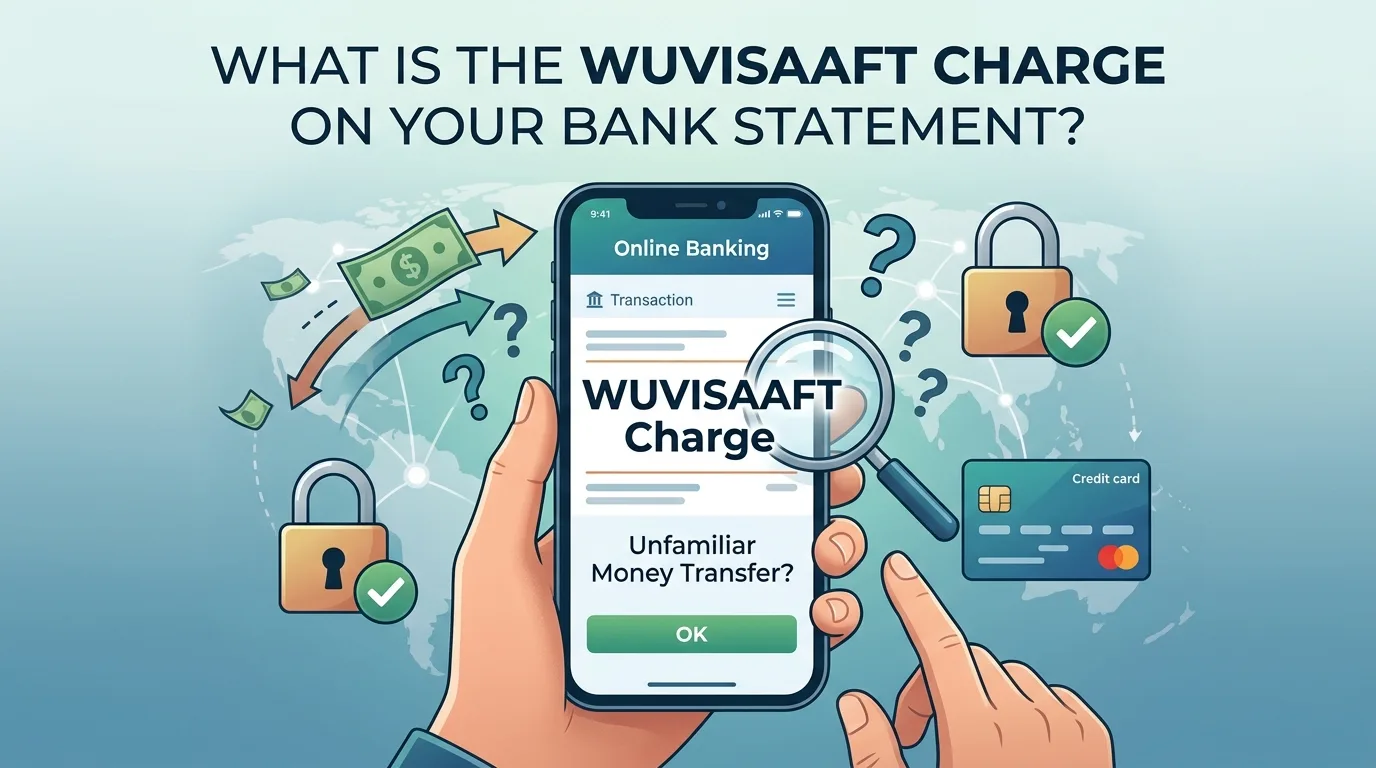

If you have seen a charge for WUVISAAFT on your bank or credit card account and are not sure what this means or if it is something to be concerned about, here is some information that may help you understand this charge and determine whether it is legitimate or if further action is required.
Often, transactions you do not recognize or can’t identify due to unfamiliarity with the description can cause confusion or worry. In addition to that, when a WUVISAAFT charge on bank statement appears as abbreviations instead of the company name that you purchased from, understanding how to respond to them is important.
Usually, WUVISAAFT is associated with a money transfer service and not a purchase from a store (retailer) or subscription service. Knowing what the charge represents can help you determine if the transaction was a legitimate purchase, and if you need to take any action if you do not recognize it.
This article is to help you better understand what WUVISAAFT means by answering questions, including what WUVISAAFT means, why it appears on my bank statement, and what I should do if I think this charge is not authorized.
What Does a WUVISAAFT Charge on Bank Statement Mean ?
WUVISAAFT refers to a Visa Funding Transaction through an AFT (Account Funding Transaction). The WUVISAAFT transaction is usually done through money transfer services, payment systems, and financial institutions on the Visa Network, transferring money or value from one account to another.
With a little analysis of what each item on your WUVISAAFT means:
· WU most likely refers to Western Union
· Visa means your transaction was processed via the Visa Network
· AFT stands for Account Funding Transactions
As a result, an entry on your account of WUVISAAFT usually means money or value is being transferred between two Visa-linked accounts via Western Union or another financial institution participating in the Visa network.
Keep this in mind when checking your WUVISAAFT charge on bank statement, it usually represents the transfer of funds rather than a regular retail purchase.
Why Does WUVISAAFT Appear on Your Bank Statement?
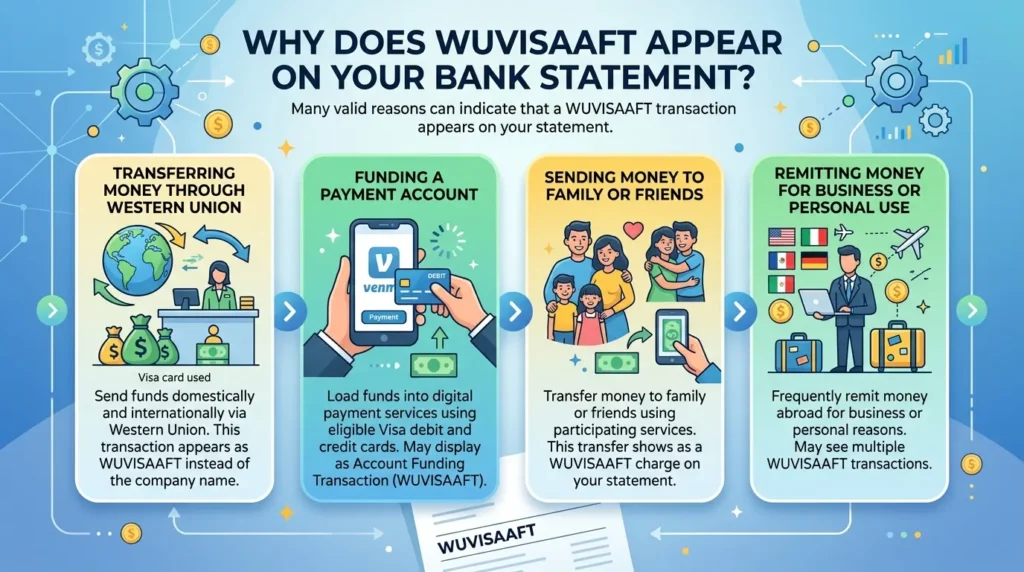
Many valid reasons can indicate that a WUVISAAFT transaction appears on your statement.
• Transferring Money through Western Union
The ability to transfer funds domestically and internationally via Western Union is one of the principal purposes for utilizing this service. This type of transaction will appear on your statement as WUVISAAFT instead of the name of the company.
• Funding a Payment Account
Some digital payment services (like Venmo) allow users to load funds to their accounts using their eligible Visa debit and credit cards. If you have loaded funds into these accounts, this activity may display as an Account Funding Transaction (account), showing up as a WUVISAAFT transaction as well.
• Sending Money to Family or Friends
You may have transferred money to a family member or friend using one of the many participating services. This transfer may show as a WUVISAAFT charge on bank statement.
• Remitting Money for Business or Personal Use
People who frequently remit money abroad for personal or business purposes typically see multiple WUVISAAFT transactions on their financial statements.
Is a WUVISAAFT Charge on Bank Statement Legitimate?
Yes, in almost all instances, a WUVISAAFT transaction is a legitimate money transfer or account funding transaction.
Before determining if it is a fraudulent transaction, please answer the following questions:
• Have you used Western Union recently?
• Did you send money to someone?
• Have you funded a digital wallet or payment account?
· Did a family member with access to your card make a transfer?
If any of the above questions apply to your WUVISAAFT charge, then it is likely valid. If you do, however, have no recollection of making the purchase, then follow up with additional verification before concluding that it was an unauthorized transaction.
How to Verify a WUVISAAFT Charge on Bank Statement?
To determine if you actually made this charge on bank statement, use these methods:
• Check Your Recent Transactions
Find your recent financial activity; look at recent money sent, payments made online, and money funded into an account for any transaction(s) with the same amount listed on your statement.
• Find Email Confirmation
Check your email for any confirmation emails or receipts regarding any money transfer completed around the date of the WUVISAAFT transaction.
• Ask Family Members
As multiple people may have access to your credit card or account, any one of them could have initiated the WUVISAAFT transaction.
• Contact Your Bank
Your bank will be able to give you a more detailed view of the transaction, including the specific merchant and/or financial institution related to the WUVISAAFT charge.
• Reach out to Western Union
If you are convinced that the WUVISAAFT charge is related to Western Union, you can call customer support at Western Union and inquire about the transfer, so you may get complete details of the transaction.
What Should You Do If You Don’t Recognize the Charge?
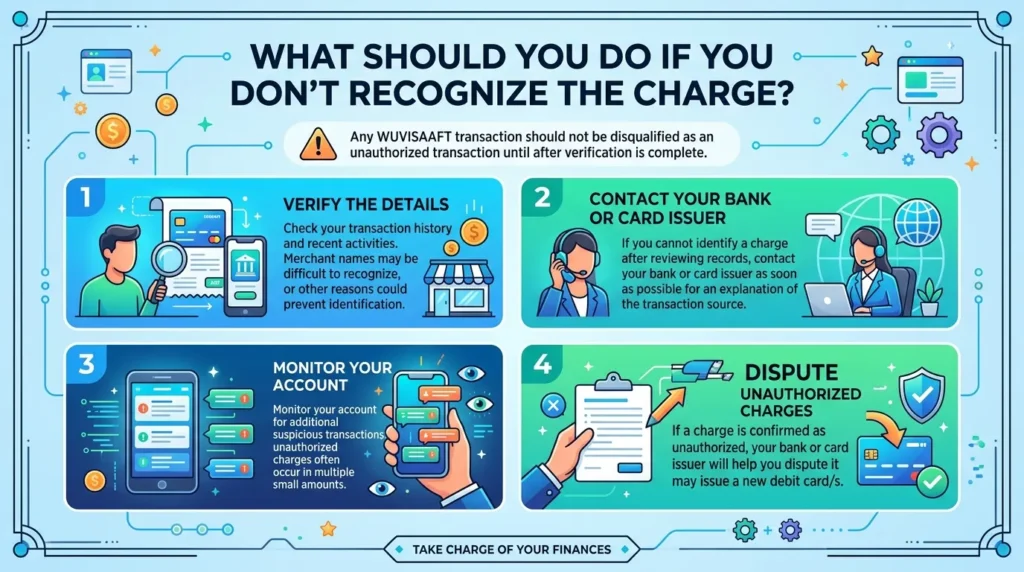
Any WUVISAAFT transaction should not be disqualified as an unauthorized transaction until after verification is complete.
• Verify the Details
Check your transaction history and recent activities. Sometimes it is difficult to recognize the name of the merchant where the transaction took place, or there could be some other reason why you cannot identify the transactions.
• Contact Your Bank or Card Issuer
If you are unable to identify a charge after reviewing your records, please contact your bank or card issuer as soon as possible so they can look into it further and provide you with an explanation of where the transaction came from.
• Monitor Your Account Activity
Monitor your account for additional suspicious transactions; most unauthorized charges occur in multiple charges as opposed to just one.
• Dispute Unauthorized Charges
If a charge was confirmed as unauthorized, your bank or card issuer will help you dispute it and may even provide you with a new debit card/s.
Like a WUVISAAFT charge on bank statement, understanding a TPG Products charge on bank statement can help you identify financial transactions that may appear under unfamiliar descriptions.
Can WUVISAAFT Charge on Bank Statement be Fraudulent?
While many of these transactions are valid charges, as is the case with all types of payment cards, it is still possible that there has been fraud with your WUVISAAFT transactions.
Some of the warning signs may be:
- Multiple unfamiliar transactions
- Transfers you never authorized
- Charges from unexpected locations
- Activity occurring after your card was lost or stolen
If you notice any of these warning signs, immediately contact your bank to notify them and consider placing a freeze/lock on your debit card until this is resolved. If you’re reviewing unfamiliar transaction descriptions, learning about an FDMS charge on bank statement can provide additional insight into how payment processing entries appear on financial statements.
How to Prevent Unexpected WUVISAAFT Charges?
There are several ways you can protect yourself from unauthorized transactions.
• Enable Transaction Alerts
You can receive instant notification alerts from most banks when a transaction takes place, making it easier to quickly identify any irregularities with your account.
• Review Your Statements Regularly
It is best to review your monthly statements so that you can spot unfamiliar transactions and address them as soon as possible.
• Only Use Secure Payments
To avoid fraud, only use trustworthy payment providers/security sites that allow safe-money transfers.
• Keep Your Card Numbers Safe
Never share your card details with anyone you do not know, and also be careful when entering your card details online.
• Update Security Settings
You should also look into additional security options that your bank provides (e.g., 2nd Authentication, Lock or Freeze cards, etc.)
Conclusion
Seeing a WUVISAAFT transaction in conjunction with something you did not do could be alarming. But, in many cases, this charge is tied to an Authorized money transfer (also referred to as a Visa Account Funding Transaction). It often appears as a result of using a third-party service (e.g., Western Union, etc.) that sends money using the VISA network.
Upon discovering a WUVISAAFT charge on bank statement, it is important to start by reviewing your previous transfers, payments, and account history. Most of the transactions can be accounted for through authorized money transfers. However, if you still do not know the source of the WUVISAAFT transaction, contact your bank to investigate and take action to protect your account.
So, you can better manage your accounts, spot legitimate activity, and take prompt action in case of fraudulent charges by keeping up with transaction descriptions like WUVISAAFT.
FAQs
1. What is a WUVISAAFT charge on a bank statement?
A WUVISAAFT charge on a bank statement typically refers to a Visa Account Funding Transaction, often linked to money transfers processed through services such as Western Union or other participating financial platforms.
2. Is a WUVISAAFT charge legitimate?
In most cases, yes. A WUVISAAFT charge usually represents a valid money transfer, account funding activity, or payment transaction completed through the Visa network.
3. Why does WUVISAAFT appear instead of Western Union on my statement?
Banks and payment processors sometimes use abbreviated transaction descriptions. As a result, a Western Union transfer may appear as WUVISAAFT rather than displaying the full company name.
4. How can I verify a WUVISAAFT charge on my account?
You can verify the transaction by reviewing recent money transfers, checking email confirmations, examining your payment history, or contacting your bank for additional transaction details.
5. What should I do if I don’t recognize a WUVISAAFT charge?
If you don’t recognize the charge, review your recent account activity first. If the transaction remains unfamiliar, contact your bank or card issuer immediately to investigate and, if necessary, dispute the charge.