
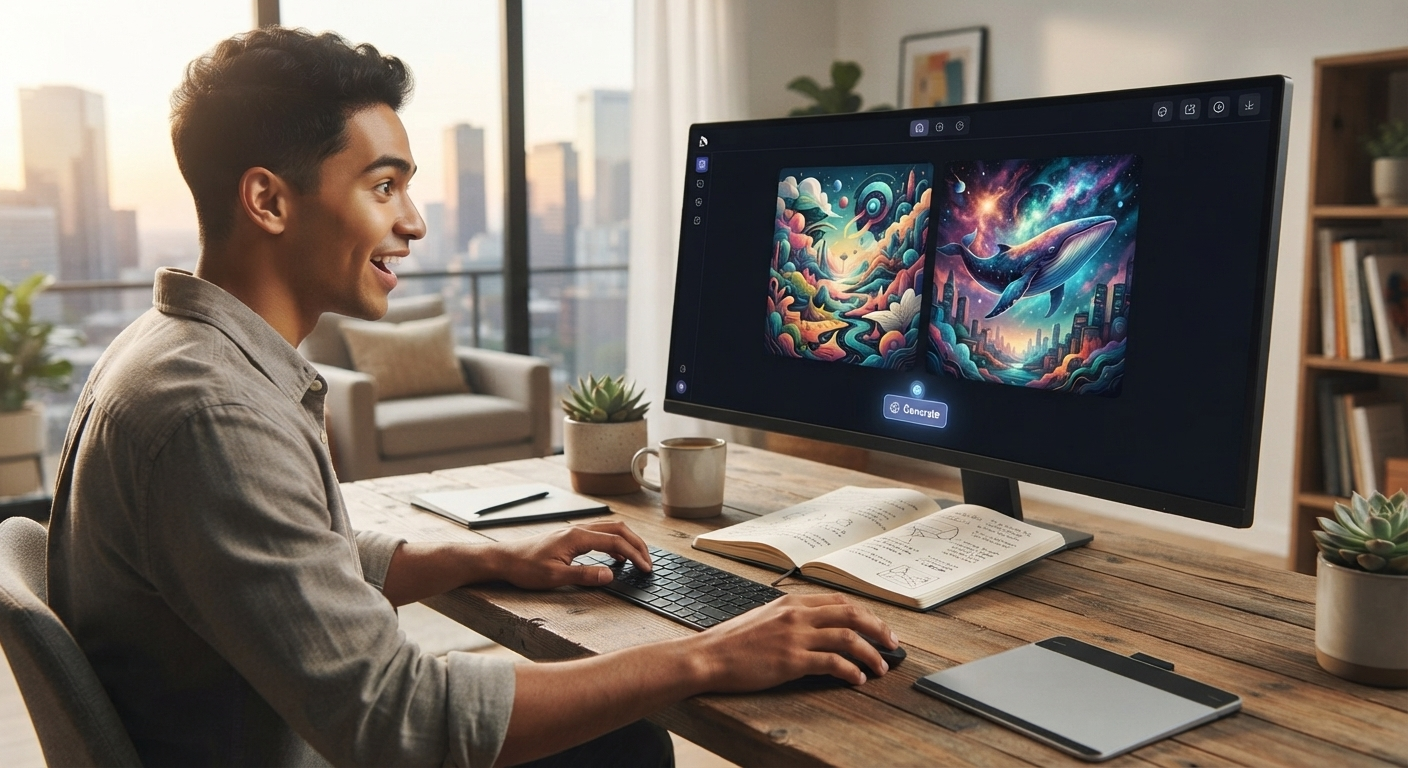

AI image generation has made it easier than ever to create illustrations, social media graphics, concept art, product visuals, and creative designs. You no longer need advanced Photoshop skills or years of design experience to turn an idea into an image.
For beginners, the biggest challenge is choosing the right tool. There are many platforms available, and they offer different features, pricing plans, image styles, and levels of control.
The Best AI Image Generators for Beginners are usually easy to understand, provide simple prompting options, and allow users to experiment without a complicated learning process. Some also offer free credits or free plans, making them useful for people who want to try AI art before paying for a subscription.
In this guide, we will look at what beginners should consider when choosing an AI image generator and explore some popular options for creating images with artificial intelligence.
What Is an AI Image Generator?
An AI image generator is a software tool that uses artificial intelligence to create images based on text prompts or other inputs.
For example, you could enter a prompt such as:
“A cozy modern living room with large windows, indoor plants, and natural sunlight.”
The AI can interpret the description and generate an image based on the information you provide.
Depending on the platform, you may also be able to upload an existing image, change a particular part of it, select an artistic style, or generate multiple variations.
How AI Image Generators Work
Most AI image tools use machine-learning models trained to understand relationships between words, visual concepts, styles, objects, and compositions.
The basic process is simple:
- You describe what you want.
- The AI interprets your prompt.
- The system generates one or more images.
- You review the results.
- You improve the prompt or create another variation.
This process allows beginners to experiment quickly without manually drawing every part of an image.
Best AI Image Generators for Beginners
There is no single tool that is perfect for everyone. The right choice depends on what you want to create and how much control you need.
Here are several popular options worth considering.
| AI Image Tool | Beginner Friendly | Free Option | Best For |
|---|---|---|---|
| ChatGPT Image Generation | Yes | Availability varies | General image creation and editing |
| Microsoft Designer | Yes | Yes | Simple designs and social graphics |
| Canva AI | Yes | Limited | Marketing and social media designs |
| Adobe Firefly | Yes | Limited | Creative and design workflows |
| Leonardo AI | Moderate | Yes | AI art and creative images |
| Midjourney | Moderate | No free access in many cases | Artistic and highly stylized images |
Features, limits, and pricing can change, so always check the current plan before choosing a tool for professional work.
1. ChatGPT Image Generation
For beginners who want to create images using natural language, ChatGPT’s image generation capabilities can be a convenient option.
You can describe the image you want in ordinary language without learning complicated commands. You can also refine an image by explaining what you want changed.
Why Beginners May Like It
- Simple text-based instructions
- Useful for creating different visual concepts
- Can help refine ideas through conversation
- Suitable for image editing and variations
- No advanced design knowledge required
It can be especially useful when you have a specific idea but do not know how to write a complicated AI prompt.
2. Microsoft Designer
Microsoft Designer is designed to help users create visual content with relatively simple controls.
It can be useful for beginners who want to create social media graphics, promotional designs, invitations, and other visual content.
Best Features for Beginners
Microsoft Designer can help users:
- Create designs from text descriptions
- Generate visual concepts
- Customize layouts
- Create social media content
- Combine AI-generated elements with design tools
Its straightforward interface makes it a practical starting point for people who are new to AI-powered design.
3. Canva AI
Canva is already popular among beginners because of its simple drag-and-drop design interface. Its AI features add image generation and other automated creative tools to that workflow.
If you already use Canva for presentations, social posts, flyers, or blog graphics, experimenting with its AI tools can be a natural next step.
Why It Is Useful
Canva is particularly helpful when you do not just want to generate an image but also want to place that image inside a complete design.
For example, you can combine AI-generated visuals with:
- Text
- Logos
- Shapes
- Backgrounds
- Templates
- Social media layouts
Some AI features may have usage limits depending on your Canva plan.
4. Adobe Firefly
Adobe Firefly is another option for users interested in AI-powered creative workflows.
It can be useful for generating images, experimenting with different styles, and making creative adjustments.
Who Should Try Adobe Firefly?
It can be a good choice for beginners who may eventually want to explore more advanced design workflows.
The platform is particularly relevant to people who already use Adobe’s creative ecosystem.
Beginners can start with simple text prompts and gradually learn how different descriptions affect the final image.
5. Leonardo AI
Leonardo AI is focused heavily on AI-generated artwork and creative visuals.
It provides users with tools for creating images in different styles and experimenting with visual concepts.
What Makes It Interesting?
Leonardo AI can be useful for:
- Concept art
- Character designs
- Illustrations
- Creative projects
- Game-related visuals
- Stylized artwork
It offers more creative controls than some basic image generators, although beginners may need a little time to understand all the available options.
6. Midjourney
Midjourney is well known for producing highly artistic and visually detailed images.
It has been widely used for concept art, creative illustrations, fantasy scenes, environments, and other artistic projects.
Is Midjourney Good for Beginners?
It can be, but it may have a steeper learning curve than some simpler AI image tools.
Beginners can start with straightforward prompts and gradually learn how to describe composition, lighting, style, and other visual details.
It is worth considering if your priority is artistic image quality and creative experimentation.
What Makes a Good AI Image Generator for Beginners?
When comparing AI art tools, beginners should look beyond image quality.
Easy Interface
A simple interface can make a huge difference. New users should not have to understand complicated settings just to generate their first image.
Simple Prompting
A good beginner tool should respond reasonably well to natural descriptions.
Free or Trial Access
A free AI image generator can be useful for learning. Free access allows beginners to experiment before deciding whether a paid plan is worthwhile.
However, free plans often have limits on credits, image resolution, features, or commercial usage.
Editing Features
Image generation is only part of the process. Editing tools can help you correct mistakes or create variations without starting from scratch.
Image Quality
Look for a tool that produces images suitable for your intended purpose. A tool that works well for social media may not necessarily be ideal for professional print projects.
How to Choose the Right AI Image Generator
Before selecting an AI tool, ask yourself what you actually want to create.
For Social Media
If you need Instagram posts, thumbnails, banners, or promotional graphics, Canva AI and Microsoft Designer can be convenient choices.
For Artistic Images
If your goal is creative artwork, illustrations, or concept art, Leonardo AI and Midjourney may be worth exploring.
For General Image Creation
If you want to describe an idea and receive an image without dealing with complicated settings, a conversational image-generation tool can be easier.
For Professional Design Work
Adobe Firefly may be worth considering if you already work with Adobe products or want to develop a more advanced creative workflow.
Tips for Getting Better AI Images
Choosing an AI image generator is only the beginning. Your prompt also affects the final result.
Be Specific
Instead of saying:
“Make a nice house.”
Try:
“Create a modern two-story house with large glass windows, a small garden, warm evening lighting, and a clean architectural style.”
The second description gives the AI more useful information.
Describe the Composition
Mention where you want important objects to appear.
For example:
- Person standing in the center
- Product on a white table
- Mountain in the background
- Close-up portrait
- Wide landscape view
Mention the Style
You can describe the visual direction, such as:
- Minimalist
- Photorealistic
- Cartoon
- Editorial
- Watercolor
- 3D illustration
- Cinematic
Generate Variations
Your first result may not be perfect. Try changing a few words and generating another version.
Small changes can produce significantly different results.
Free AI Image Generator vs Paid Tools
A free AI image generator can be enough for casual users who want to experiment.
Free tools are often suitable for:
- Learning AI image generation
- Creating simple personal projects
- Testing different prompts
- Making occasional graphics
Paid tools can be more useful for people who generate images frequently or require additional features.
| Feature | Free Tools | Paid Tools |
|---|---|---|
| Basic image generation | Usually available | Yes |
| Monthly limits | Often limited | Usually higher |
| Advanced controls | May be limited | Often available |
| Higher resolution | Sometimes limited | More likely |
| Commercial features | Varies | Depends on plan |
| Priority generation | Usually limited | Often available |
Always review the platform’s current terms before using generated images commercially.
Common Mistakes Beginners Should Avoid
Using Extremely Short Prompts
A prompt with only two or three words may not provide enough information for the result you want.
Adding Too Many Instructions
The opposite can also happen. Extremely complicated prompts can make it harder for the AI to understand your main goal.
Expecting the First Image to Be Perfect
AI image generation is often an iterative process. Generate, review, adjust, and try again.
Ignoring Usage Rights
Before using an AI-generated image for a business, advertisement, product, or other commercial purpose, check the tool’s current licensing terms.
Frequently Asked Questions
What is the best AI image generator for beginners?
The best option depends on your needs. Beginners often benefit from tools with simple interfaces and natural-language prompting. ChatGPT image generation, Canva AI, and Microsoft Designer are convenient starting points, while Leonardo AI and Midjourney can be useful for more artistic projects.
Is there a free AI image generator?
Yes. Several platforms offer free access, free credits, or limited AI image-generation features. However, free plans can have restrictions on usage, resolution, or available features.
Do I need design skills to use AI art tools?
No. Most modern AI art tools are designed so that beginners can create images by describing what they want. Basic design knowledge can help, but it is not required to get started.
Can AI image generators create realistic images?
Yes. Many modern AI tools can create highly realistic-looking images. The final result depends on the tool, model, prompt, and settings you use.
Which AI art tools are best for social media?
Tools such as Canva AI and Microsoft Designer can be useful for social media because they combine AI features with templates and design controls.
Are AI-generated images free to use commercially?
Not always. Commercial usage depends on the specific platform, plan, and applicable terms. Always check the current licensing conditions before using an image commercially.
Conclusion
The Best AI Image Generators for Beginners are the ones that make the creative process simple without requiring advanced technical or design skills. Whether you want social media graphics, realistic images, illustrations, or creative artwork, there are several tools available to explore.
A free AI image generator can be a good place to start if you are learning and want to experiment without immediately paying for a subscription. As you become more comfortable with prompts and image creation, you can explore advanced AI art tools with additional controls and features.
The most important thing is to choose a tool that matches your goal, start with clear prompts, experiment with different descriptions, and always check usage rights before using images commercially. With a little practice, beginners can turn simple ideas into impressive visual content.