
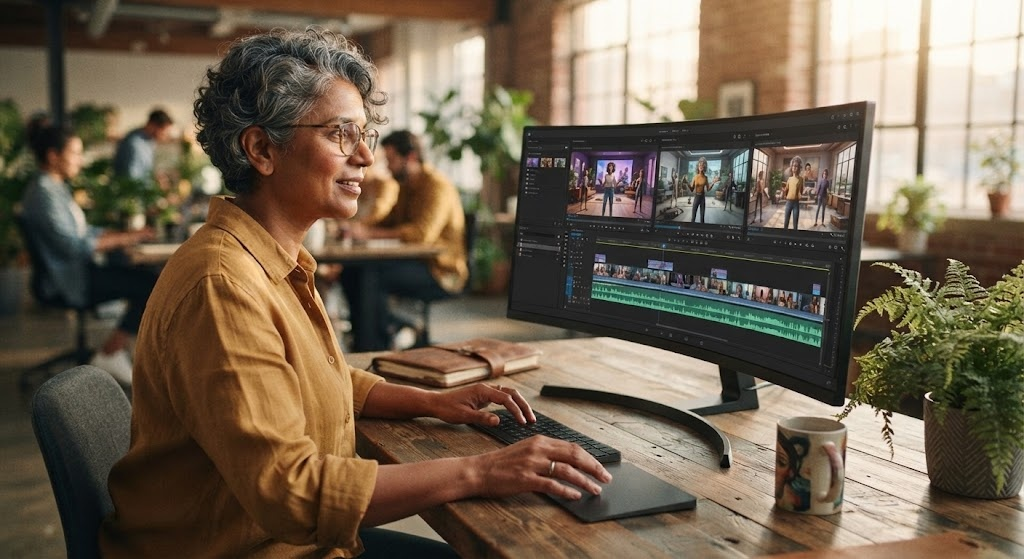

Creating professional videos used to require expensive software, advanced editing skills, and a lot of time. Today, artificial intelligence has made video production much easier. With the right AI tools, beginners can create videos from simple text prompts, images, scripts, or existing content.
The Best AI Video Generator Tools can help you create social media videos, marketing content, educational videos, product presentations, and creative projects without spending hours editing every scene manually.
AI video tools can automate tasks such as generating scenes, adding voiceovers, creating subtitles, selecting visuals, and producing video clips. However, different tools are designed for different purposes. Some are better for short social media videos, while others are more suitable for professional presentations or creative projects.
In this guide, we will explore popular AI video tools, their main features, and how beginners can choose the right option for their needs.
What Is an AI Video Generator?
An AI video generator is a tool that uses artificial intelligence to create or edit video content based on user instructions.
Instead of manually creating every part of a video, you can provide a text prompt, script, image, or other content. The AI then uses that information to generate video scenes or assist with the editing process.
For example, you could enter:
“Create a short video showing a modern city at sunset with cinematic lighting.”
Depending on the platform, the AI may generate a video based on that description.
Some tools also allow you to turn written scripts into complete videos with visuals, narration, music, and captions.
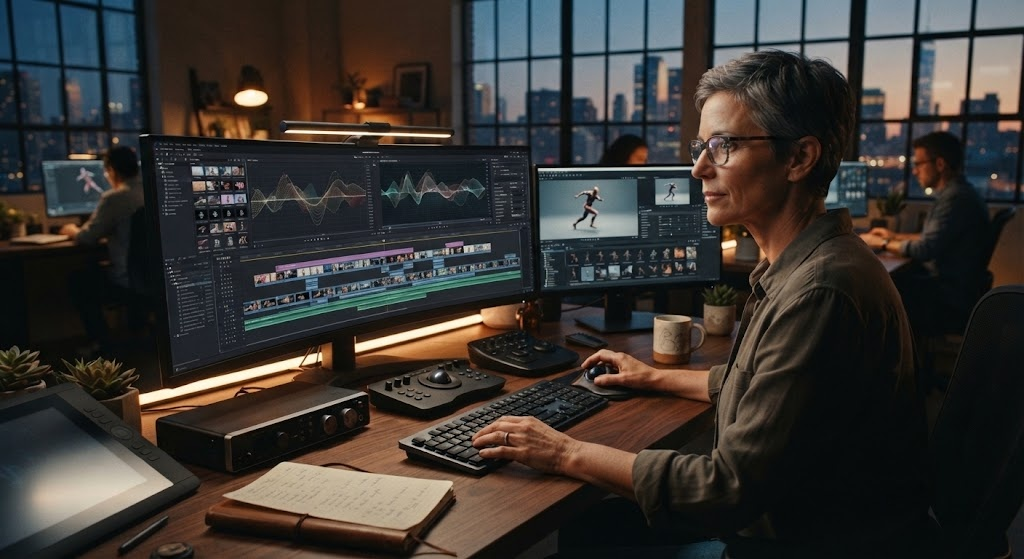
How AI Video Generation Works
AI video creation generally follows a simple process:
- Enter a prompt or upload content.
- The AI analyzes your instructions.
- The system creates scenes or suggests visual content.
- You edit or adjust the generated video.
- Export the final video.
The exact process varies from one platform to another.
Some tools focus mainly on text-to-video generation, while others combine AI generation with traditional video editing features.
Best AI Video Generator Tools
There are many AI video platforms available today, and each one has different strengths.
The following tools are worth considering depending on your video creation needs.
| AI Video Tool | Best For | Beginner Friendly | Main Strength |
|---|---|---|---|
| Runway | Creative AI videos | Yes | Generative video and editing |
| Synthesia | Business videos | Yes | AI presenters and avatars |
| InVideo AI | Marketing and social videos | Yes | Script-to-video workflow |
| Pictory | Content creators | Yes | Turning text into videos |
| Canva AI Video Tools | Social content | Yes | Simple design and video creation |
| HeyGen | Avatar videos | Yes | AI avatars and voiceovers |
Features, pricing, availability, and usage limits can change, so check the current plan and features before selecting a tool.
1. Runway
Runway is a popular platform for AI-powered creative video generation and editing.
It can be useful for creators who want to experiment with generated video scenes, visual effects, and creative transformations.
Why Creators Use Runway
Runway can be useful for:
- Generating creative video scenes
- Creating visual effects
- Experimenting with AI-generated footage
- Editing existing content
- Developing creative concepts
It can take some practice to understand all of its features, but beginners can start with simple projects and gradually explore more advanced controls.
2. Synthesia
Synthesia focuses on AI-generated presenter videos.
Instead of recording yourself in front of a camera, you can create videos featuring AI presenters. This makes the platform particularly useful for businesses, training content, tutorials, and internal communication.
Common Uses
Businesses may use AI presenter videos for:
- Employee training
- Educational content
- Product explanations
- Presentations
- Corporate communication
This type of ai video maker can save time when you need professional-looking presenter content without setting up a camera, microphone, and studio.
3. InVideo AI
InVideo AI is designed to help users create videos from written instructions and scripts.
It can be useful for creators who want to produce content for platforms such as YouTube, Instagram, and other social media channels.
Key Benefits
Users can work with:
- Text prompts
- Scripts
- Stock visuals
- Voiceovers
- Captions
- Video templates
For beginners, a guided workflow can make video production much easier because you do not have to start with a completely blank timeline.
4. Pictory
Pictory is designed around turning existing written content into video.
It can be useful for bloggers, marketers, educators, and content creators who already have articles, scripts, or other written material.
Who Can Benefit From Pictory?
It can be helpful for people who want to:
- Convert blog posts into videos
- Create short social media clips
- Turn scripts into visual content
- Add captions automatically
- Repurpose existing content
This approach can save time because one piece of written content can be transformed into multiple formats.
5. Canva AI Video Tools
Canva is widely known for simple graphic design, but it also provides AI-powered tools that can help users create video content.
For beginners, Canva can be convenient because video editing, templates, graphics, text, and other design elements are available within one interface.
Why Beginners May Like Canva
You can combine:
- AI-generated visuals
- Templates
- Text animations
- Music
- Images
- Graphics
- Video clips
This makes it a useful option for users who want to create social media content without learning complex professional video-editing software.
6. HeyGen
HeyGen focuses heavily on AI avatars, presenters, and voice-based video creation.
It can be useful when you want a person-like presenter in your video without recording yourself.
Common Uses
HeyGen can be suitable for:
- Business presentations
- Marketing videos
- Training content
- Product explanations
- Social media videos
AI avatar technology can make it easier for businesses to create presenter-style videos at scale.
What Can You Create With AI Video Tools?
Modern AI video tools can be used for many different types of content.
Social Media Videos
Short videos are popular across social platforms. AI can help generate scripts, visuals, captions, and other elements.
Marketing Videos
Businesses can create product demonstrations, promotional videos, advertisements, and educational content.
Educational Videos
Teachers and creators can turn lessons, explanations, or written material into visual content.
YouTube Videos
AI can assist with scripts, narration, visuals, captions, and editing. However, creators should still review AI-generated content for accuracy and quality.
Product Videos
AI can help businesses create product presentations without producing every scene manually.
How to Choose the Right AI Video Generator
The best tool depends on what you want to accomplish.
Consider Your Video Type
First, decide what kind of videos you need.
If you want AI presenters, an avatar-focused platform may be more suitable. If you want creative generated scenes, a generative video platform may be better.
Check the Learning Curve
Beginners should look for an interface that is easy to understand.
A powerful platform is not always the best choice if you only need simple videos.
Compare Pricing
Many platforms offer free trials, free credits, or limited free features. Others require a subscription.
Before paying, check:
- Monthly credits
- Export resolution
- Watermarks
- Commercial usage
- Available AI models
- Video length limits
Look at Export Options
Make sure the platform supports the format and resolution you need.
For social media, you may need vertical video. For YouTube, landscape video may be more appropriate.
AI Video Generator vs Traditional Video Editing
AI video creation does not completely replace traditional video editing.
| Feature | AI Video Generator | Traditional Editing |
|---|---|---|
| Speed | Usually faster | Can take longer |
| Beginner friendly | Often easier | Requires learning |
| Automation | High | Mostly manual |
| Creative control | Varies | Very high |
| Script-to-video | Often available | Usually manual |
| AI avatars | Available on some tools | Requires separate workflow |
| Detailed editing | Varies by platform | Usually stronger |
For many creators, the best approach is to combine AI generation with traditional editing.
AI can handle repetitive tasks, while human editing can improve accuracy, timing, storytelling, and overall quality.
Tips for Better AI-Generated Videos
Write Clear Prompts
Give the AI enough information about your desired video.
Mention the subject, setting, mood, camera movement, style, and approximate duration when appropriate.
Keep Your Story Simple
A clear story is often easier to turn into an effective video than a prompt containing too many unrelated ideas.
Review Every Scene
Never assume that an AI-generated video is perfect.
Check:
- Text
- Faces
- Hands
- Objects
- Voiceovers
- Captions
- Scene transitions
- Factual information
Add Your Own Branding
For business content, add your logo, colors, fonts, and brand message where appropriate.
This can make AI-generated content feel more consistent with your overall brand.
Benefits of Using AI for Video Creation
AI video tools offer several advantages.
Saves Time
AI can automate tasks that would otherwise take hours.
Easy for Beginners
Many platforms allow users to create videos without advanced editing knowledge.
Helps With Content Ideas
AI can also help generate scripts, concepts, titles, and visual ideas.
Makes Content Repurposing Easier
A blog post, presentation, or script can sometimes be transformed into video content.
Supports Faster Experimentation
Creators can test different ideas and versions without producing everything manually.
Frequently Asked Questions
What is the best AI video generator for beginners?
The best option depends on your needs. Tools such as Canva, InVideo AI, and Pictory can be approachable for beginners, while Runway may be more suitable for users interested in creative generative video.
Can I create videos without video editing skills?
Yes. Many ai video maker platforms are designed to automate parts of the video creation process, making them accessible to beginners.
Is there a free AI video generator?
Some AI video platforms offer free plans, free credits, or limited trials. The available features and limits vary by platform.
Can AI create a complete video from a script?
Yes. Some platforms can turn a script into a video by combining generated or stock visuals, narration, captions, and other elements.
Are AI-generated videos good for YouTube?
They can be useful for YouTube, but quality depends on the tool and how the content is created. Human review, editing, storytelling, and fact-checking are still important.
Can businesses use AI-generated videos?
Yes. Businesses can use AI video tools for training, marketing, product explanations, presentations, and other forms of communication. Always check the platform’s current commercial-use terms.
Conclusion
The Best AI Video Generator Tools can make video creation faster and more accessible for beginners, creators, marketers, and businesses. Instead of manually creating every scene, users can rely on AI to assist with scripts, visuals, voiceovers, captions, avatars, and editing.
An ai video generator can be particularly useful when you need to produce content quickly, while an ai video maker can simplify the entire creation process for beginners.
The right tool depends on your specific goal. If you need creative scenes, look for generative video features. If you want presenter videos, consider an avatar-focused platform. For social media and marketing, a tool with templates and simple editing features may be the better choice.
Start with a simple project, test different tools, and review the generated content carefully. With the right workflow, video creation AI can become a valuable part of your content strategy.